# Cerby browser extension

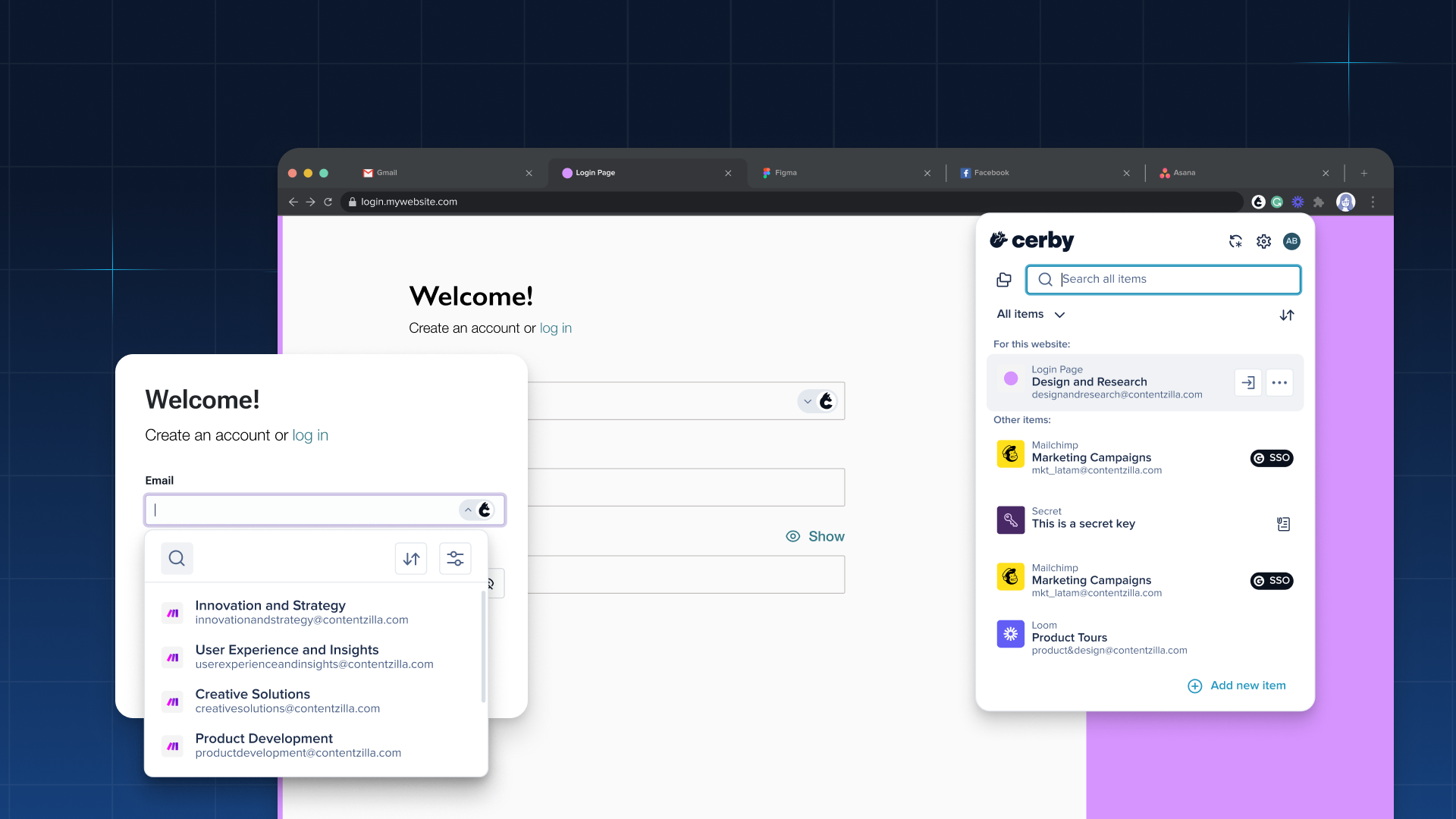
The Cerby browser extension brings seamless credential management directly into your browser, from logging in automatically to saving new credentials on the fly.

<figure><img src="/files/s1aSpfe1Vn6BDAIvnYS8" alt="Screenshot of the Cerby browser extension popup. A list of account cards is displayed."><figcaption><p>Cerby browser extension popup</p></figcaption></figure>

***

## Key benefits

* **Automatic login:** Log in to your accounts without typing a password. Cerby detects and fills your credentials automatically.
* **Account autosave:** Capture new credentials the moment you log in or sign up, so no account is left unmanaged.
* **MFA support:** Handle MFA codes without leaving the page, keeping your login flow fast and secure.
* **Secrets access:** View your stored secrets directly from the extension without switching to the web app.

***

## Explore the Cerby browser extension

<table data-view="cards"><thead><tr><th></th><th></th><th data-hidden data-card-target data-type="content-ref"></th></tr></thead><tbody><tr><td><strong>Accounts</strong></td><td>Access, manage, protect, and autosave your accounts directly from the browser extension.</td><td><a href="https://help.cerby.com/cerby-browser-extension/accounts">https://help.cerby.com/cerby-browser-extension/accounts</a></td></tr><tr><td><strong>Secrets</strong></td><td>View and manage your stored secrets without leaving the browser.</td><td><a href="https://help.cerby.com/cerby-browser-extension/secrets">https://help.cerby.com/cerby-browser-extension/secrets</a></td></tr></tbody></table>


---

# Agent Instructions: Querying This Documentation

If you need additional information that is not directly available in this page, you can query the documentation dynamically by asking a question.

Perform an HTTP GET request on the current page URL with the `ask` query parameter:

```
GET https://help.cerby.com/cerby-browser-extension/readme.md?ask=<question>
```

The question should be specific, self-contained, and written in natural language.
The response will contain a direct answer to the question and relevant excerpts and sources from the documentation.

Use this mechanism when the answer is not explicitly present in the current page, you need clarification or additional context, or you want to retrieve related documentation sections.
